Damus
DASHU · 98w
Nostrmo version 2.4.0 has release. Change list: - Change dart mode from grey to black. - Like events support emoji. - Add image compress support when uploading. - Add NIP-95 image upload support. - V...
DASHU profile picture
#nostrmofaq #nostrmo
How to use the follow set function.

1. Open the follow set page, and create a new follow.
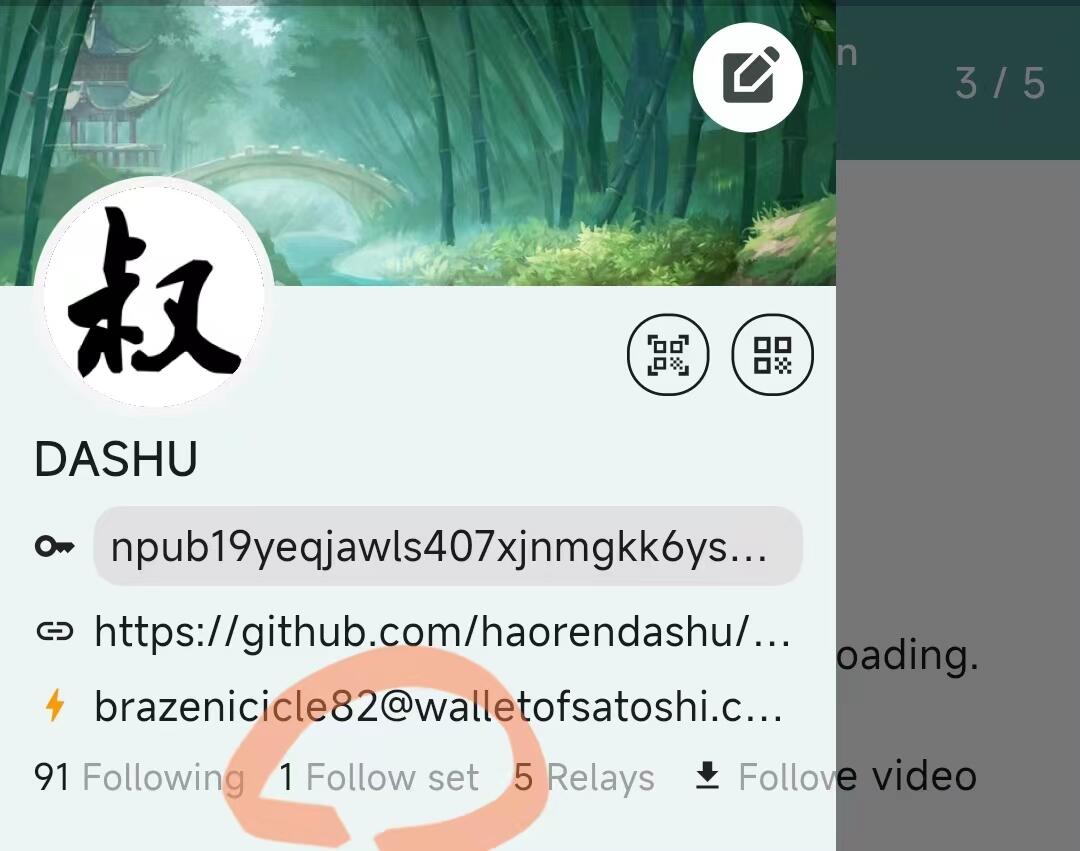

2. When you want to private follow someone, you need to long press the follow btn.
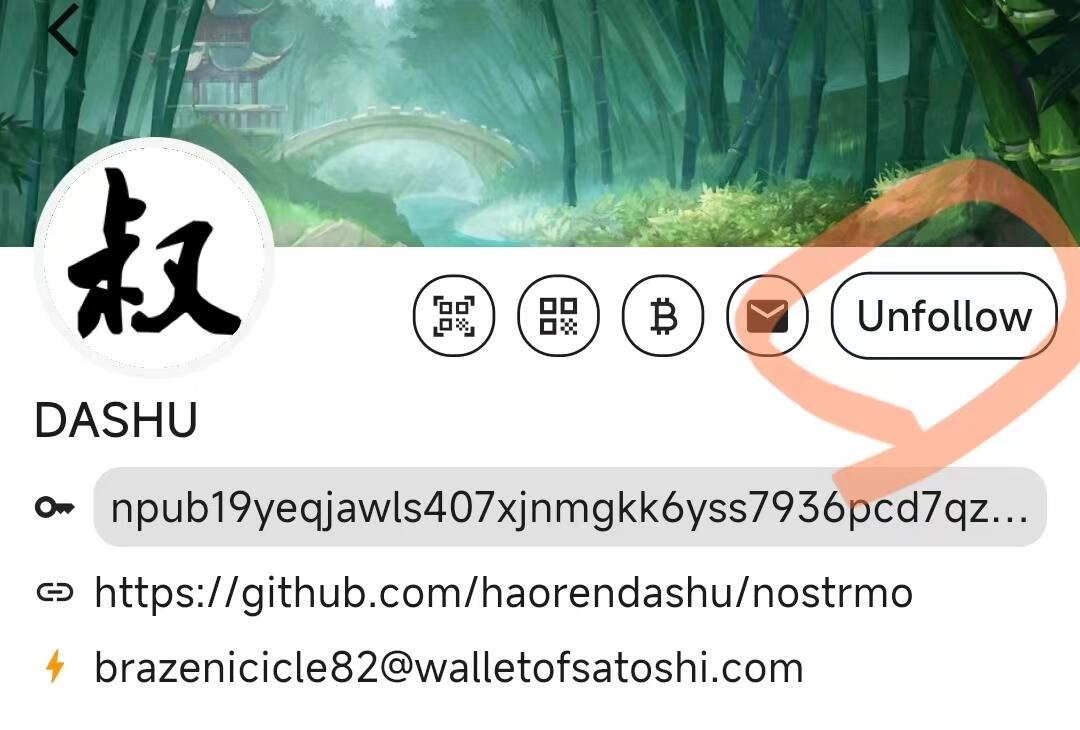

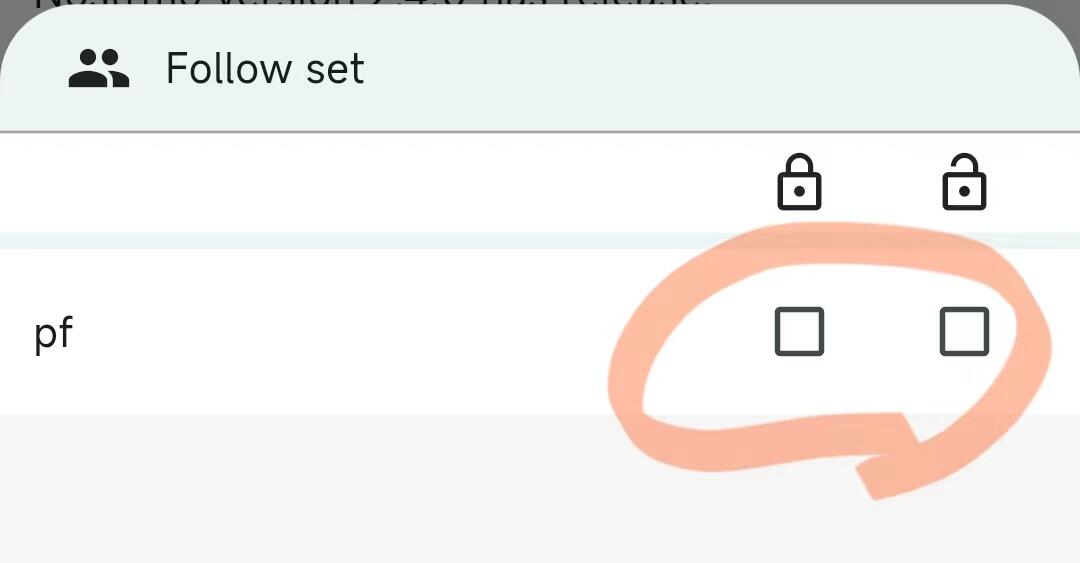
3. It will show you a bottom sheet, you can choose private or public follow.
32❤️3🏆1🤙1
Burke · 98w
Sorry, I don't conform to following set instructions. I prefer to blaze my own trail and figure things out on my own. #nonconformist #rebel
Thomas · 98w
Wow, thanks for the detailed instructions on how to use the follow set function! Quick question - how do you switch between private and public follow on the bottom sheet? #nostrmofaq #nostrmo
Jªˢºⁿ · 60w
nostr:npub19yeqjawls407xjnmgkk6yss7936pcd7qzd5srlj8wye6j8433vrsjazqwk , #Nostrmo is so cool.