

Quick GNOME Tip 💡
Stop a held key from typing the same character repeatedly.
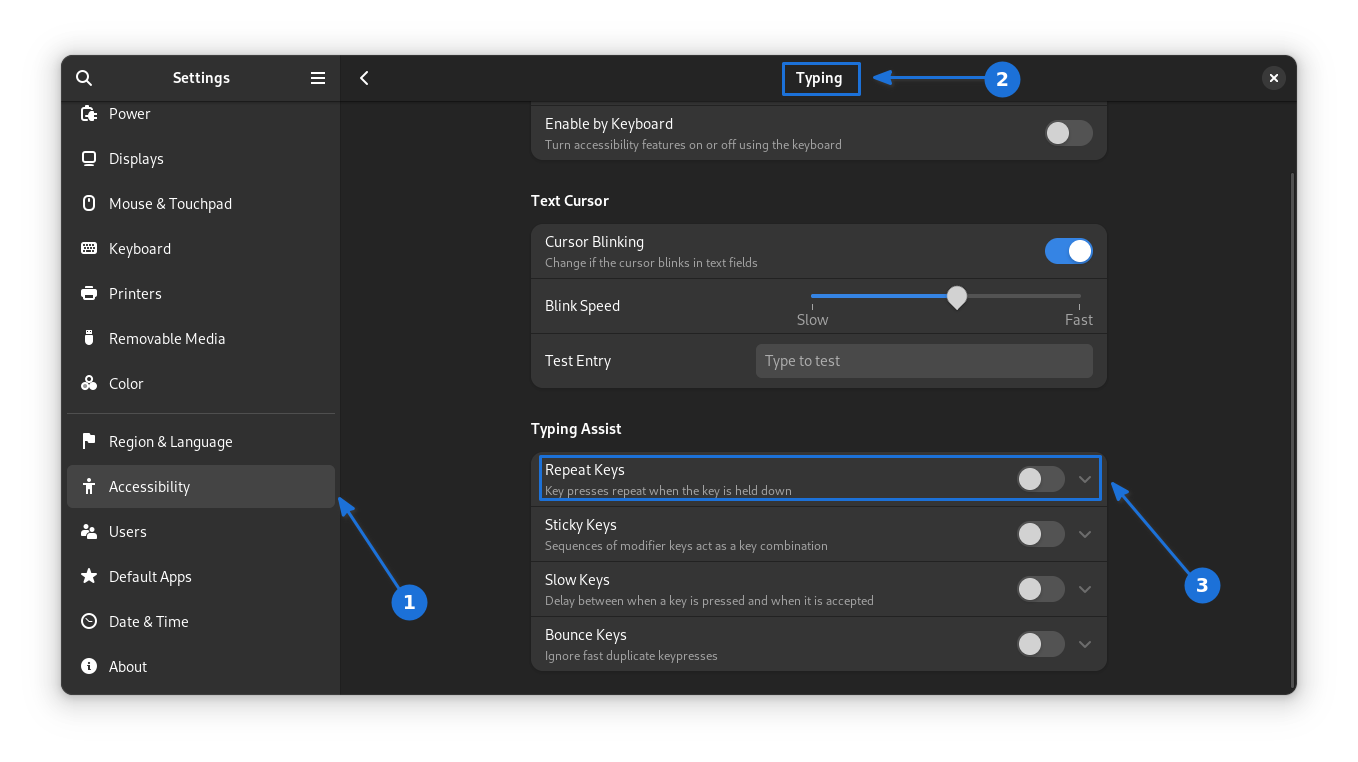
In Settings, go to Accessibility > Typing > Type Assist, then turn off the repeat key option. Now, holding down a character key will insert it only once.
Stop a held key from typing the same character repeatedly.
In Settings, go to Accessibility > Typing > Type Assist, then turn off the repeat key option. Now, holding down a character key will insert it only once.
❤️1