

If you have not upgraded your DMs it will use the older NIP-04.
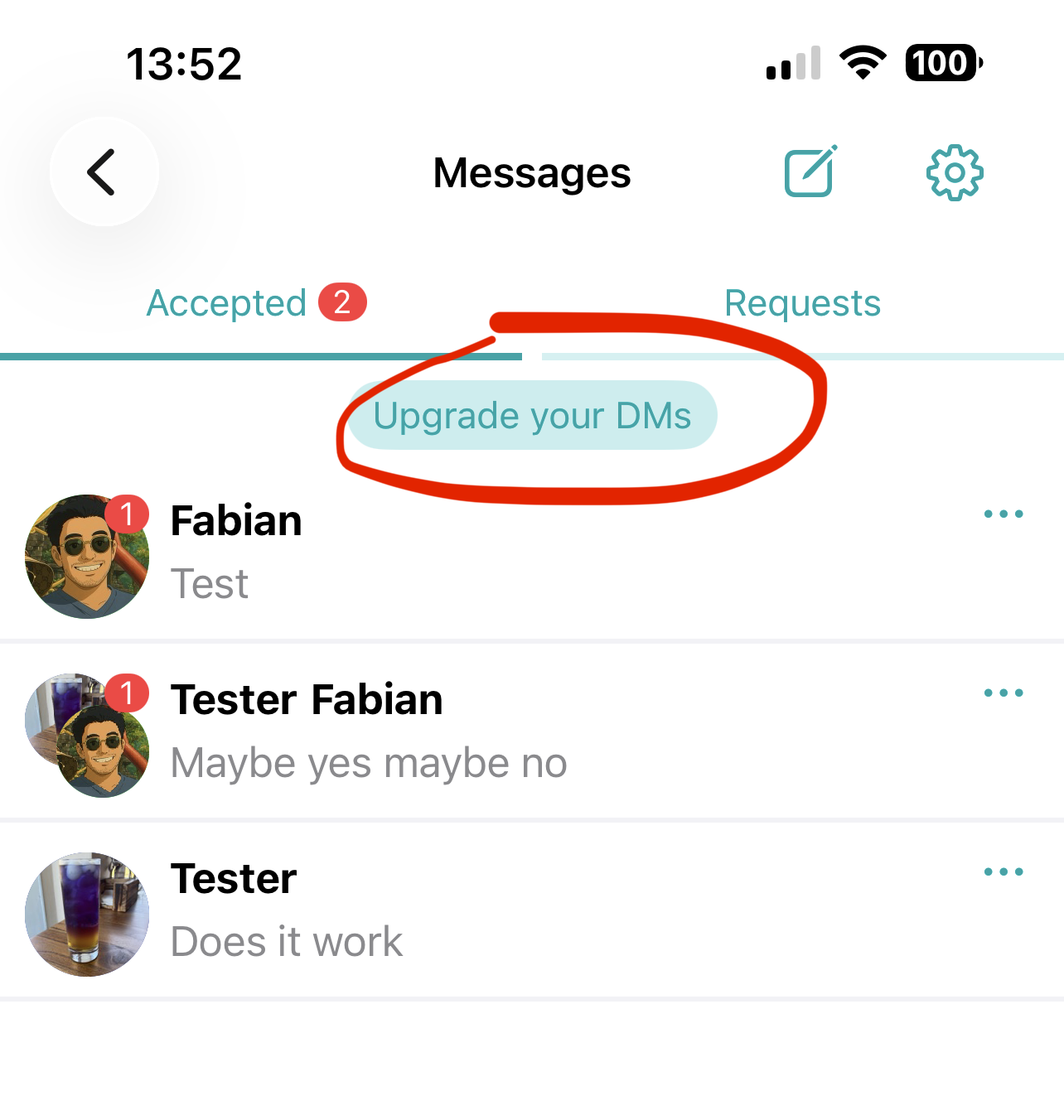
To upgrade tap the button at the top:
This will guide you to publish the relays on which you wish to receive DMs.
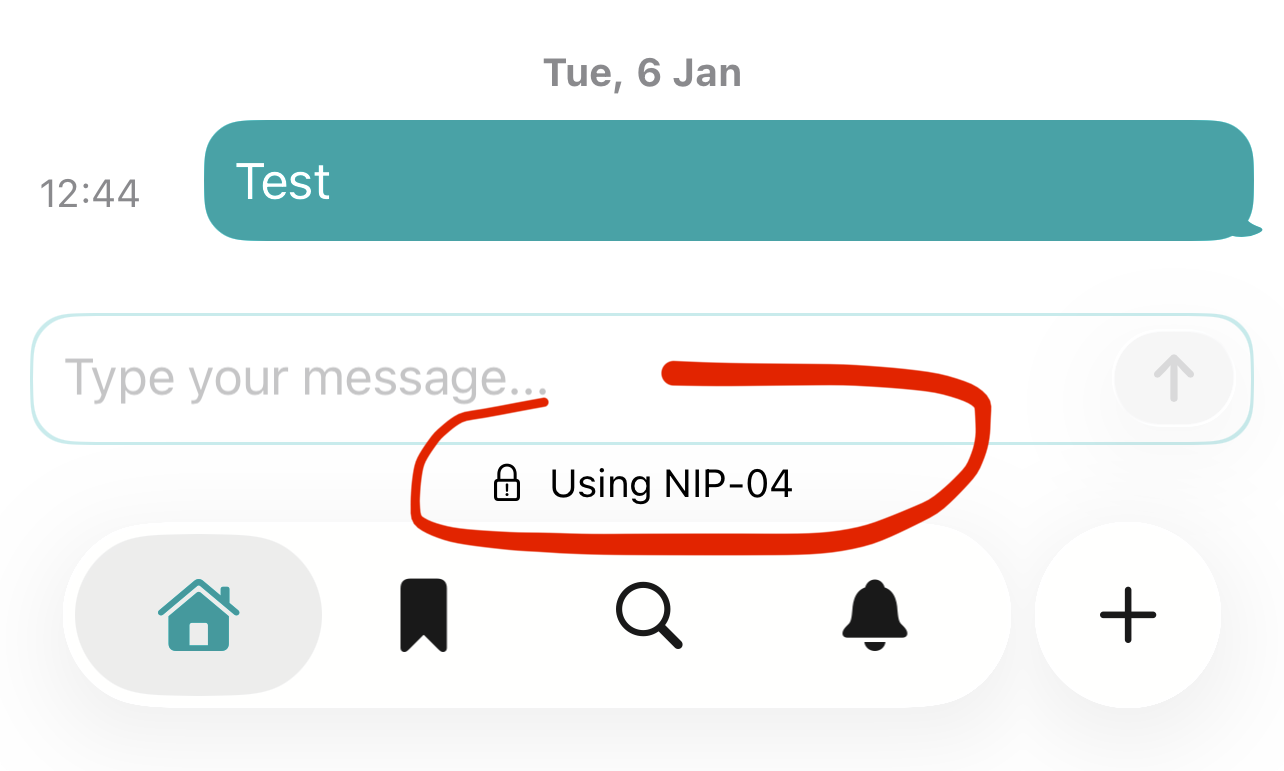
When you start a new conversation it will use the newer format if the recipient has their DM relays published, else it will use the older format, shown with a note at the bottom:
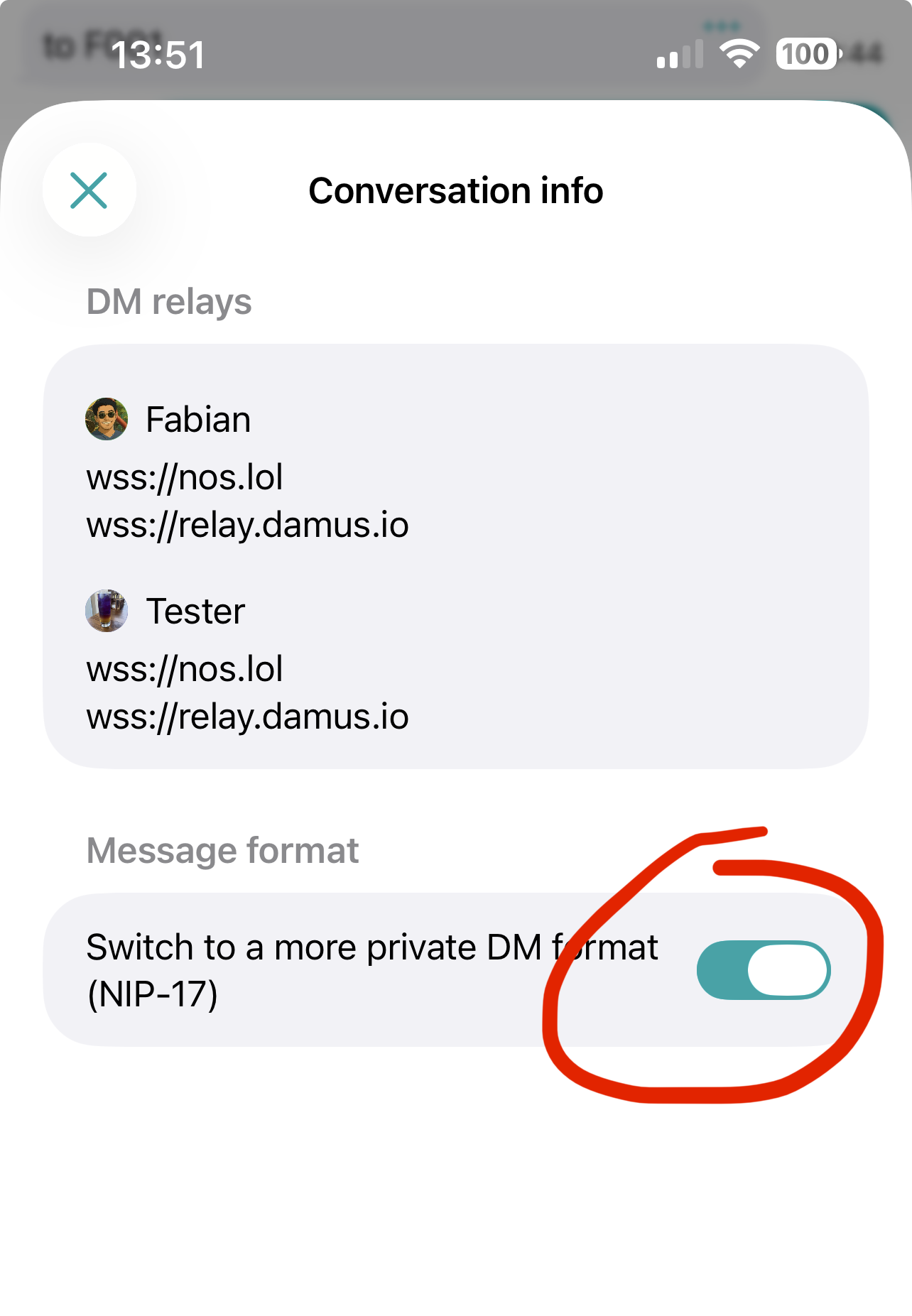
In a conversation you can tap the info button at the top to see which relays are used and switch a conversation to the more private format if DM relays are found for the recipient:
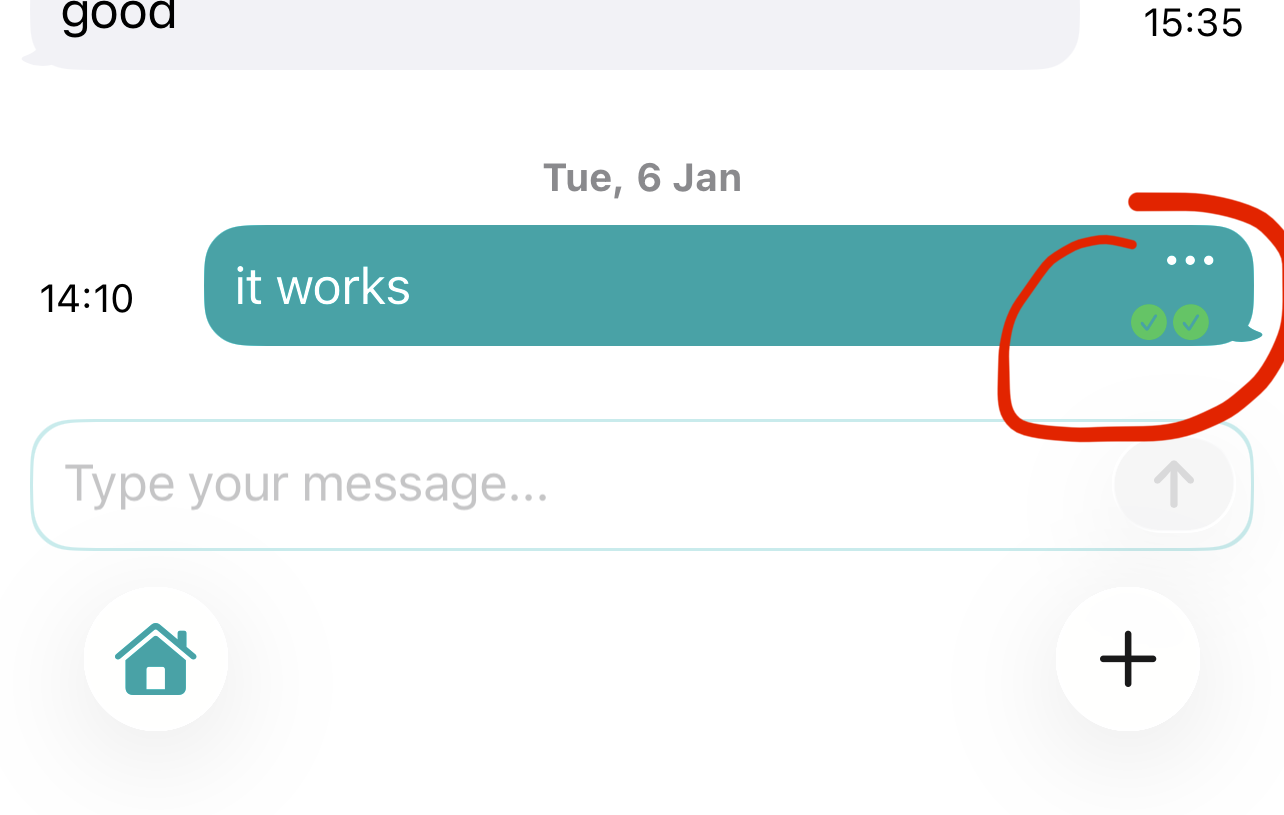
After sending a message you can confirm that they were sent to the recipients DM relays by tapping on the icons at the bottom:
To upgrade tap the button at the top:
This will guide you to publish the relays on which you wish to receive DMs.
When you start a new conversation it will use the newer format if the recipient has their DM relays published, else it will use the older format, shown with a note at the bottom:
In a conversation you can tap the info button at the top to see which relays are used and switch a conversation to the more private format if DM relays are found for the recipient:
After sending a message you can confirm that they were sent to the recipients DM relays by tapping on the icons at the bottom: