

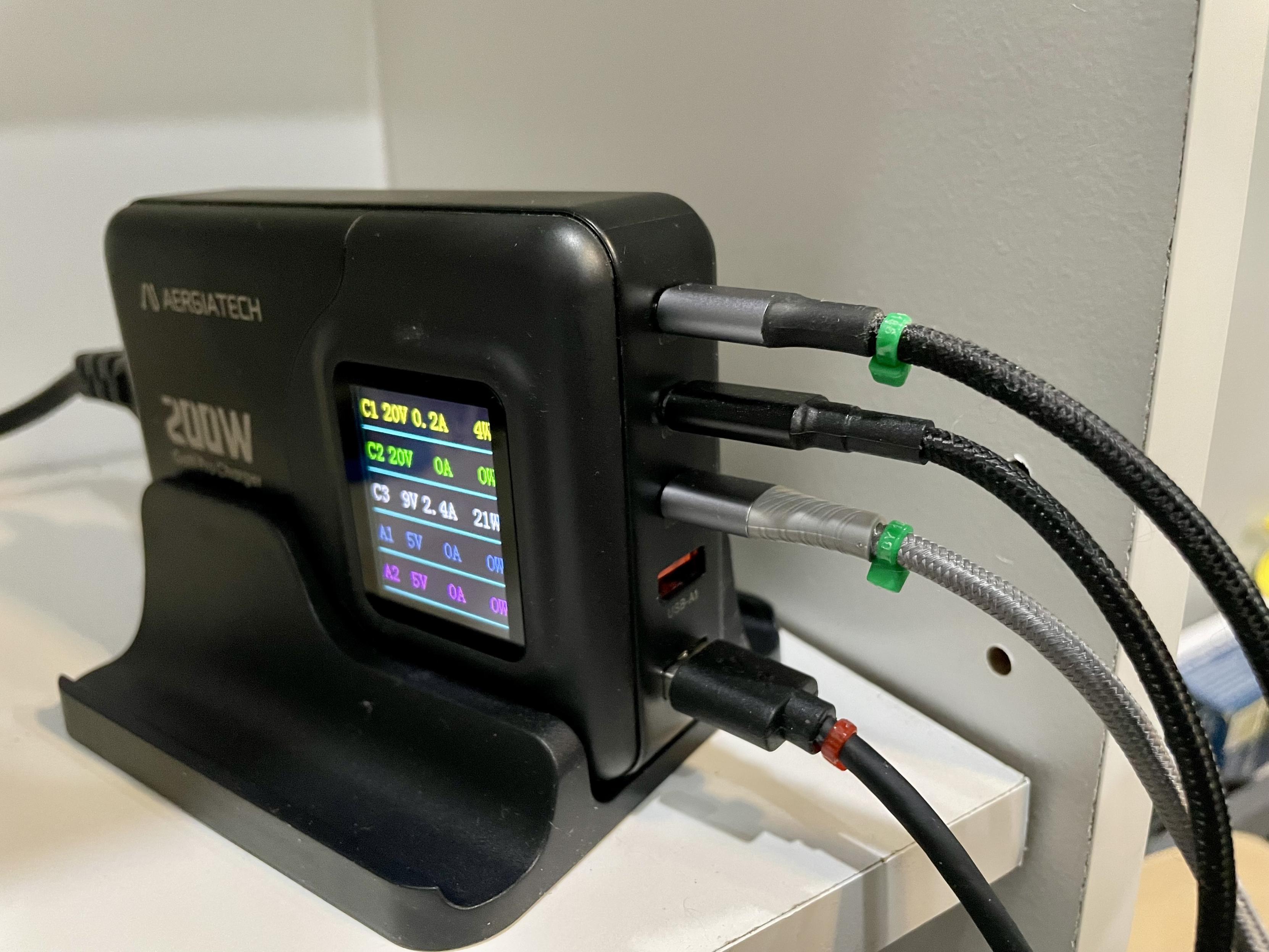
All USB-C cables are NOT created equal! My solution? Color-coded cable ties.
I test a cable by attaching my external SSD and running `lsusb -t` in Linux, which reports the negotiated speed:
480M: USB 2.0
5000M: USB 3.2 Gen 1, 4.8Gb/s
10000M: USB 3.2 Gen 2x1, 10Gb/s
20000M: USB 3.2 Gen 2x2, 20Gb/s
I assigned a color to each speed, wrote it down in #Joplin, attached my cable ties, and now I no longer have to worry about a USB-C cable turning my SSD into an HDD.
#USBC #Linux #USB
I test a cable by attaching my external SSD and running `lsusb -t` in Linux, which reports the negotiated speed:
480M: USB 2.0
5000M: USB 3.2 Gen 1, 4.8Gb/s
10000M: USB 3.2 Gen 2x1, 10Gb/s
20000M: USB 3.2 Gen 2x2, 20Gb/s
I assigned a color to each speed, wrote it down in #Joplin, attached my cable ties, and now I no longer have to worry about a USB-C cable turning my SSD into an HDD.
#USBC #Linux #USB